
- Resource tools
- Alternative files
- Editing resources
- Editing multiple resources
- Editing resource previews
- Resource status & access
- Sharing resources
- Deleting resources
- Related resources
- Version control
- Lockable metadata
- Geolocation
- CSV export
- Metadata report
- Resource commenting
- User rating of resources
- Usage history
- Resource locking
- Downloading multiple resources
- Image preview zoom
- Subtitles for Video Preview
- Annotating resources
Upload here
Upload here helps users to create new resources based on a recent advanced search.
In this example, a user has searched for 'photo' type resources in the Active state which are tagged 'Product' and 'United Kingdom'.
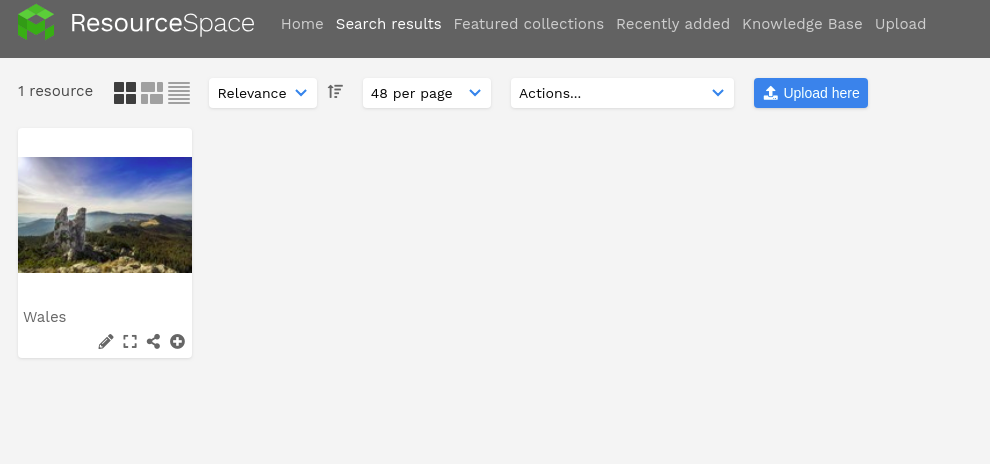
The 'Upload here' option then directs them to the upload page, where these options will have been automatically selected, so that more resources can be added with this metadata.
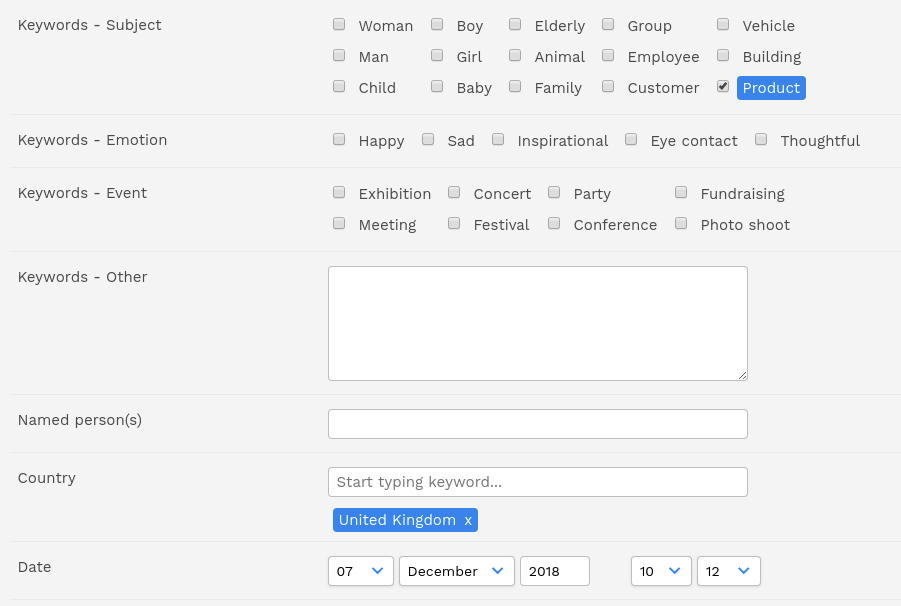
'Upload here' works with either of the upload modes.
NOTE: If multiple resource types or workflow (archive) states have been searched, ResourceSpace will select the first one the user has access to.
'Upload here' works for search results containing the following:
- fixed list metadata
- resource type
- workflow (archive) state
You can also use this method to upload resources directly into a collection.
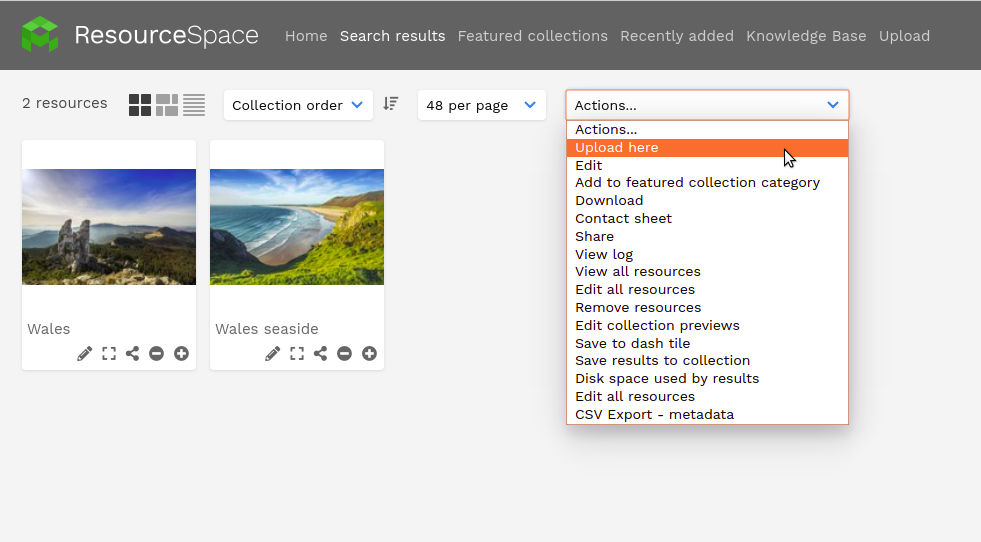
From version 10.5, 'upload here' allows users to create new resources directly in a smart collection too. Select the smart collection in your collection bar (choose "View all resources") and then use the "Upload here" button as usual.