
- Resource tools
- Alternative files
- Editing resources
- Editing multiple resources
- Editing resource previews
- Resource status & access
- Sharing resources
- Deleting resources
- Related resources
- Version control
- Lockable metadata
- Geolocation
- CSV export
- Metadata report
- Resource commenting
- User rating of resources
- Usage history
- Resource locking
- Downloading multiple resources
- Image preview zoom
- Subtitles for Video Preview
- Annotating resources
Language options
ResourceSpace has a large international community, working in a wide range of supported languages. Your installation should be configured with your local language, but each user also has the option to set their own. ResourceSpace can also detect and suggest the default language from your browser on your first visit to help get you started.
Changing your selected language
You can choose the text language from a drop down list:
- On the login screen
- Under your user preferences menu
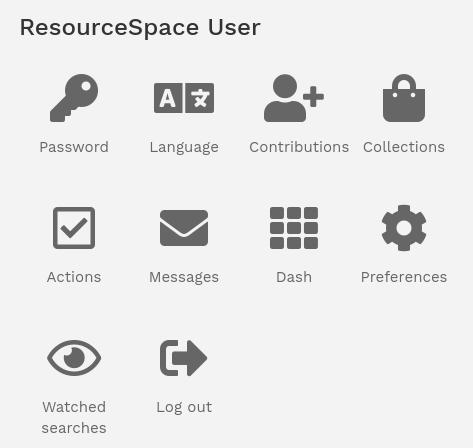
The language options are:
- Arabic
- Belarusian
- Bengali
- Bulgarian
- Catalan
- Chinese (Simplified)
- Chinese (Traditional)
- Croatian
- Czech
- Danish
- Dutch
- English (International)
- English (American)
- Filipino
- Finnish
- French
- German
- Greek
- Hindi
- Hungarian
- Indonesian
- Italian
- Japanese
- Korean
- Malay
- Norwegian
- Persian
- Polish
- Portuguese
- Portuguese (Brazilian)
- Punjabi
- Romanian
- Russian
- Slovak
- Spanish
- Spanish (Argentine)
- Swahili
- Swedish
- Thai
- Turkish
- Ukrainian
- Urdu
- Vietnamese
- Welsh
Setting this option will change the language across the site for your user account. ResourceSpace makes use of cookies to track this information so that your preferences can be maintained.
If needed, additional languages can be added free of charge using GPT to automatically provide generations - some human adjustments may be needed, but we'll implement these for you based on customer feedback.