- Resource tools
- Alternative files
- Editing resources
- Editing multiple resources
- Editing resource previews
- Resource status & access
- Sharing resources
- Deleting resources
- Related resources
- Version control
- Lockable metadata
- Geolocation
- CSV export
- Metadata report
- Resource commenting
- User rating of resources
- Usage history
- Resource locking
- Downloading multiple resources
- Image preview zoom
- Subtitles for Video Preview
- Annotating resources
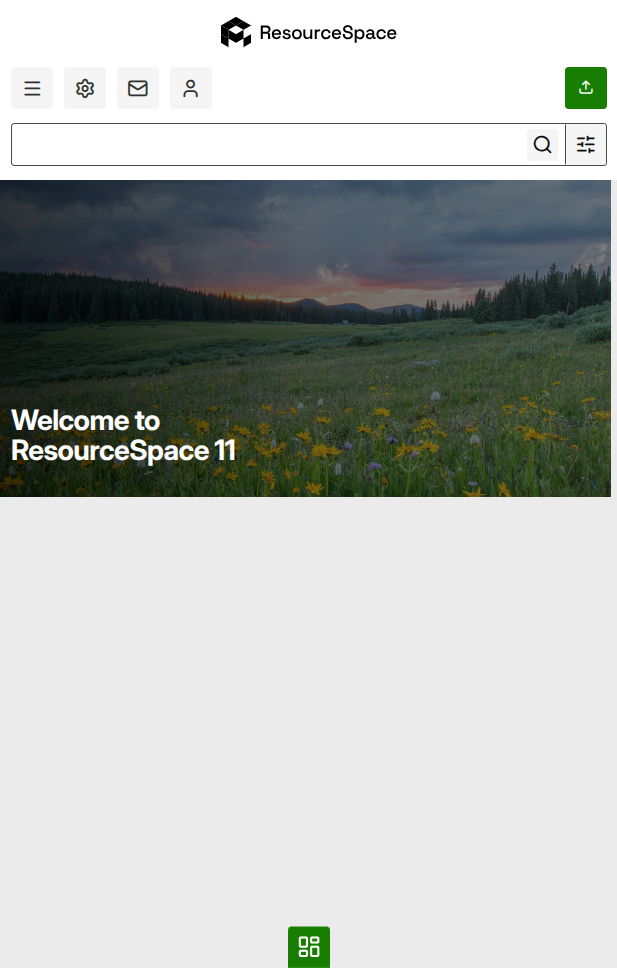
Mobile responsive mode
ResourceSpace isn't just available from your desktop computer - you can also access it via your smartphone or tablet.
The functionality stays exactly the same but the interface automatically adjusts to account for the smaller screen.
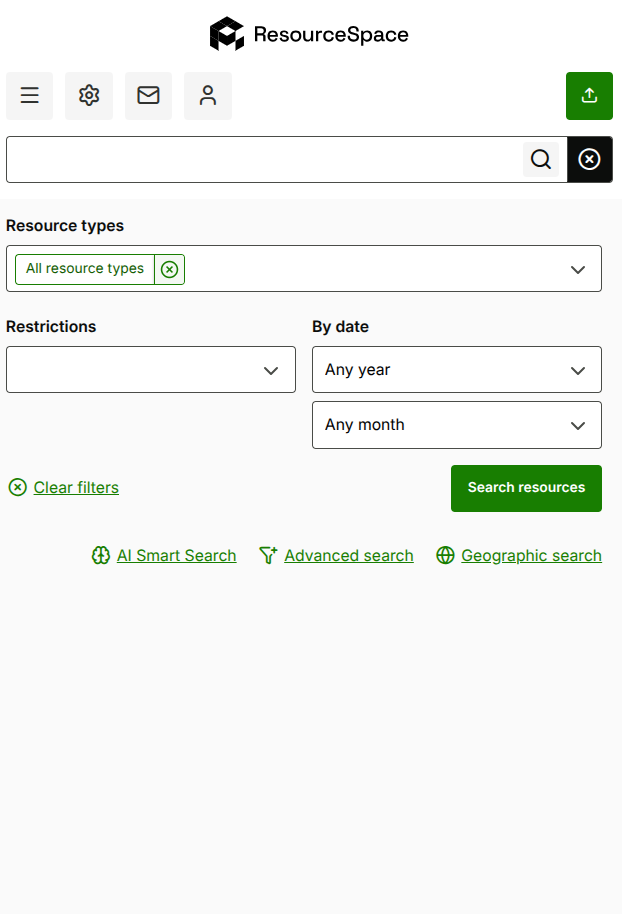
Simple search is available from every page meaning it's still easy to find the resources you need.
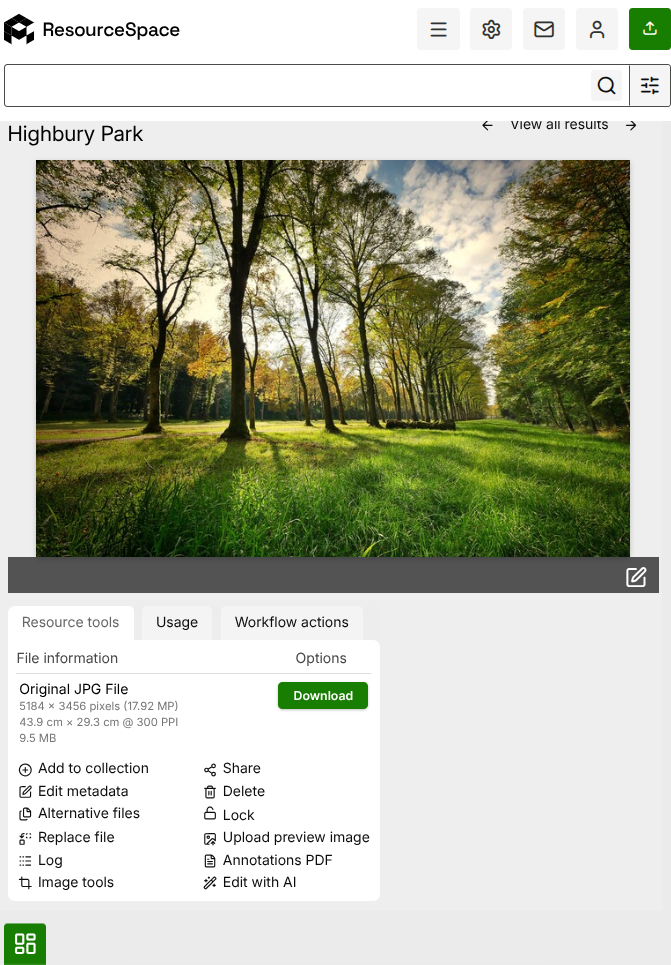
The resource view page displays metadata, image tools and download options for all image sizes as normal.
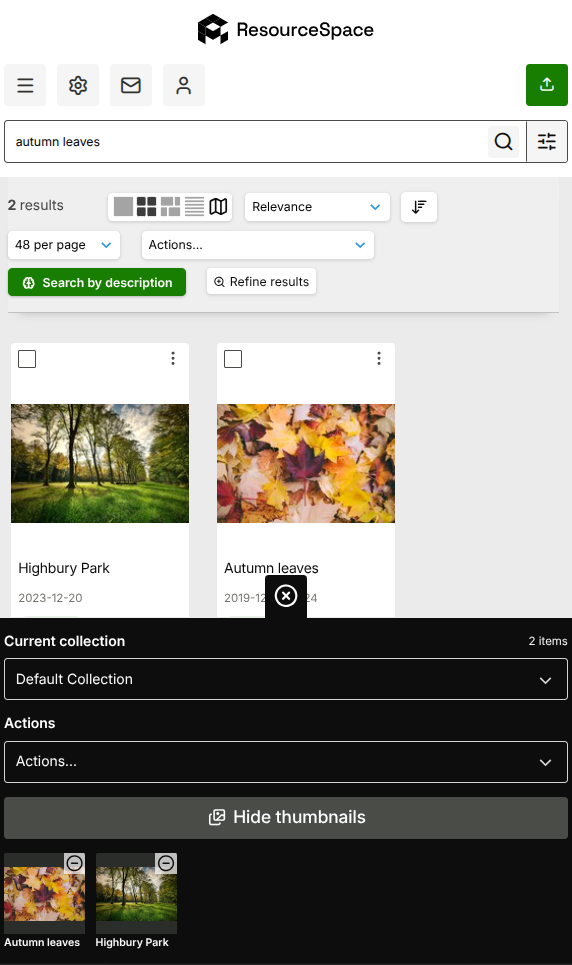
To add resources to a collection, just click "Add to collection" on the resource tools section.
Your selected collection can be expanded using the tab at the bottom of the screen, and will display the resource thumbnails when open.
The Admin and Profile areas are accessed from the icons at the top of the page as normal.