Resources and structure
Resources are at the core of ResourceSpace. A resource is a self-contained, self-describing item centred around a single digital asset, bringing together all associated file versions, previews, metadata, and related information in one place. Resources exist within a flat structure without the constraints of rigid folder hierarchies.
An example of a resource is an image file, such as a picture of an elephant ("elephant.jpg"). Once uploaded into ResourceSpace, this file can be given a set of metadata to describe and identify it, for example 'Elephant', 'Kenya', 'Flapping'...
Due to the flat structure of ResourceSpace, it is important that you make your metadata as descriptive as possible, both by assigning clear and appropriate tags, but also by storing metadata in the most useful context. For example, storing "Kenya" in a "Country" field allows for intuitive searching, helping your users to quickly find what they need.
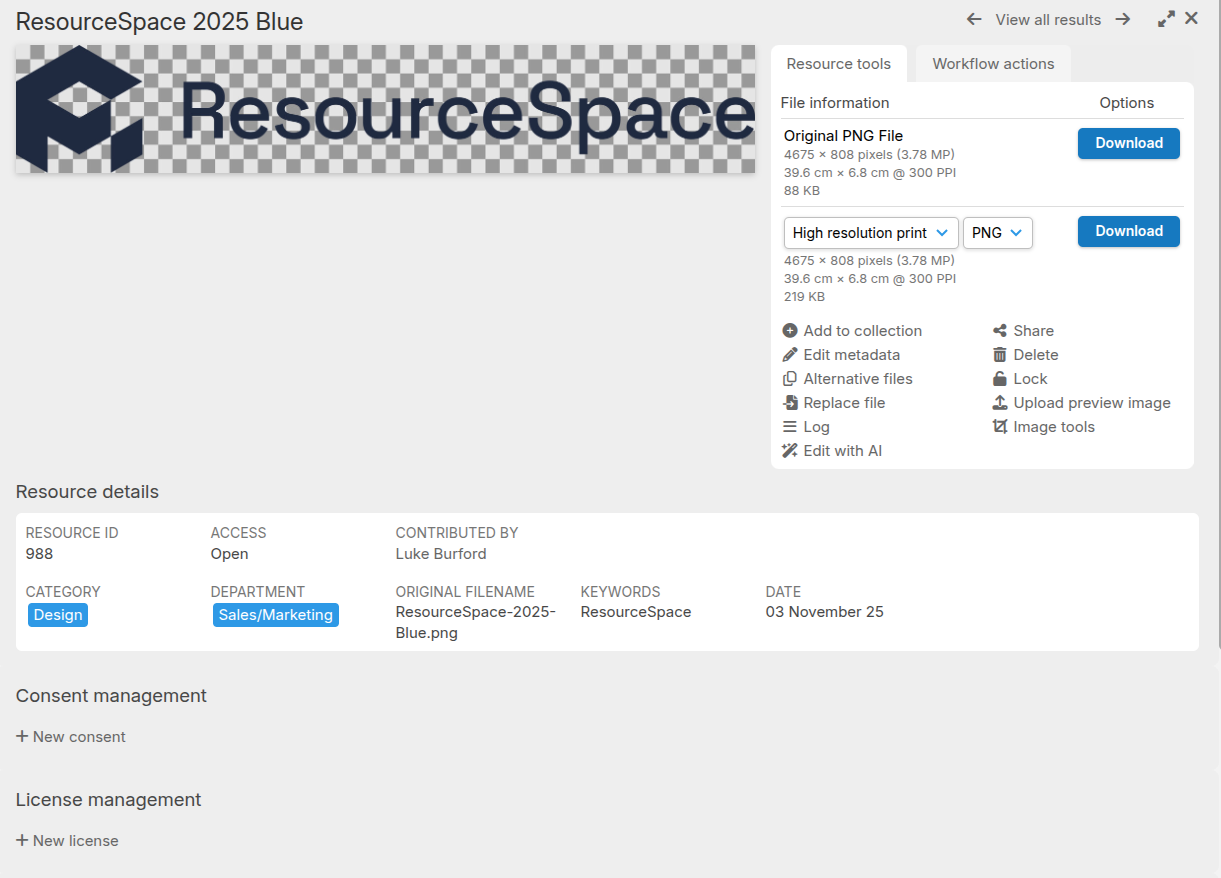
Below you can see an example resource view panel that contains a preview of the image as well as the metadata used to describe it. You'll see some of the types of metadata that can be entered, with date, tag and free text fields storing information about the resource: